Electric scooter battery not charging: what to check
When a scooter will not charge, the battery is only one of four suspects. The charger, the charging port and the BMS fail just as often — and two of the four you can check yourself in ten minutes.
Updated 2026-10-10
1. Watch the charger light
Most scooter chargers show red while charging and green when done or idle. Plug the charger into the wall first, without the scooter: it should show green. Then plug it into the scooter.
- Turns red, later green: the charger works. If range is still short, the pack is the suspect — see range dropped by half.
- Stays green the moment you plug in: the scooter is not accepting a charge. Usually a charging port, a fuse, or a BMS in protection.
- No light at all: try another outlet. Still nothing — the charger is likely dead.
2. Check the charging port
With the scooter off, look into the port with a flashlight. Bent or pushed-in pins, green corrosion or black burn marks mean the port needs replacing. Do not keep charging through a burnt port — it heats up more every time.
3. Try a second charger, if you have one
Same voltage and the same connector only. A 60 V scooter needs a 60 V charger (67.2 V output); never charge with a charger rated for a different voltage.
4. If the pack sat empty for weeks
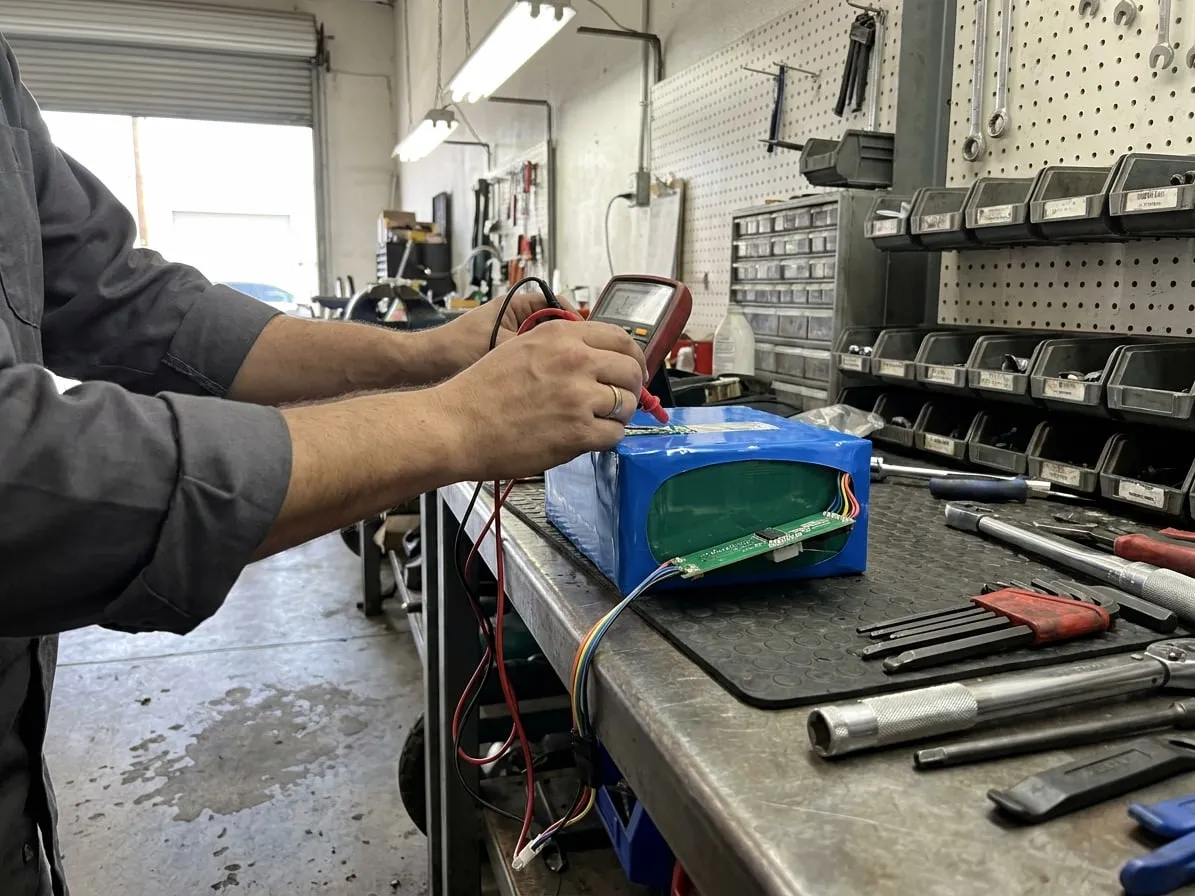
A pack left at zero for a long time can drop so low that the BMS refuses to charge it. Do not try to "wake" it with another charger or a bench supply. That is a job for a battery test: we check every cell group and tell you whether the pack can be recovered safely.
When it is a bench job
The charger and the port check out, but the scooter still will not charge — that is the BMS or the cells. A battery test tells you which, and whether a BMS replacement or a rebuild is the right fix.
Tried all of that?
Then the fault is inside the scooter. We pick it up anywhere in Southern California, find the fault and quote it before any work — about a week from pickup to return.